
 ExtractaAudit
Extract. Audit. Report. — Intelligent invoice extraction & audit testing
Invoice intelligence, reimagined.
Upload, extract, validate and audit South African and United Kingdom invoices in one focused workspace — fast AI-powered processing with structured results ready for review. Reduce risk. Accelerate sign-off.
Built for
The teams buidling stronger Audit, Accounting & Tax compliance
01Accountants
Organise work by client, folder and engagement. Upload a batch of invoices and every VAT field — totals, subtotals, VAT numbers, disbursements — is captured for you.
02Auditors
Country-aware rule packs run automatically: dedicated South African and UK VAT tests covering the full range of tax authority requirements. Exceptions are flagged against the exact invoice and field, ready for Excel-based working papers.
03Finance Teams
Drop in multi-page PDFs and let AI extraction do the typing — with confidence scoring, duplicate detection and validation checks on every invoice before anything reaches your ledger.
How it works
ExtractaAudit does more than extract invoice data. It automatically performs structured audit tests, flags exceptions and generates Excel-ready audit and exception reports — with the original source document available for side-by-side review of every invoice. Follow one batch of invoices through the complete journey below.
Stage one
Upload invoices
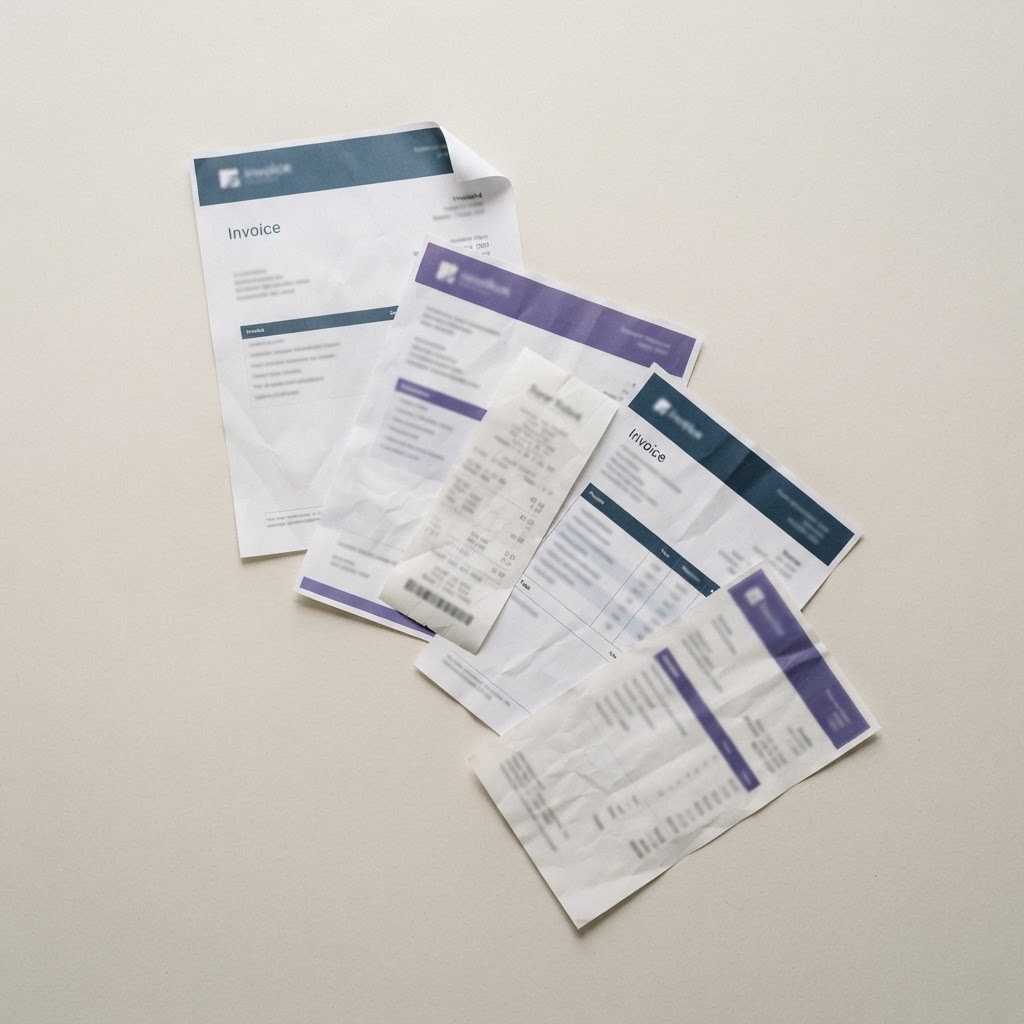
Add PDF and image invoices in bulk — hundreds at once, processed sequentially with real-time, per-file progress.
Batch processing
Upload hundreds of invoices at once with sequential processing and real-time progress.
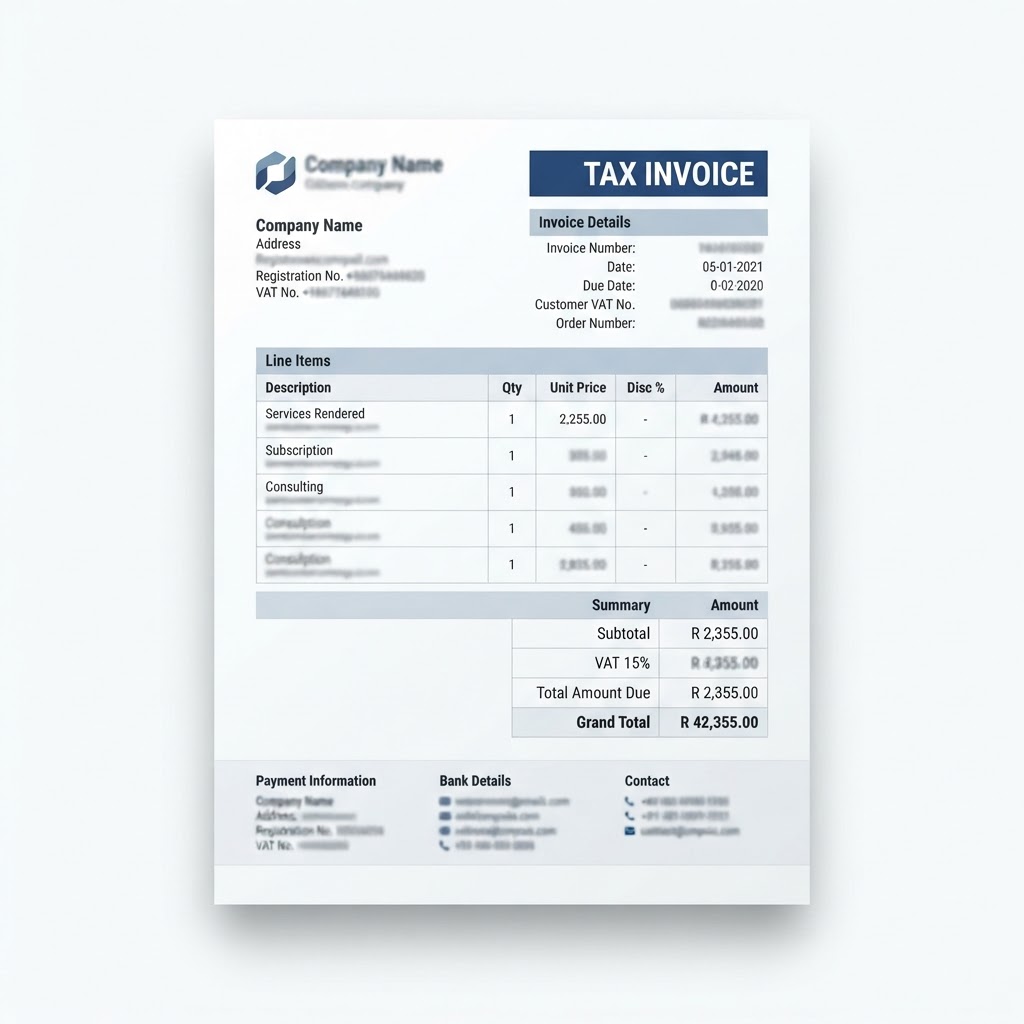
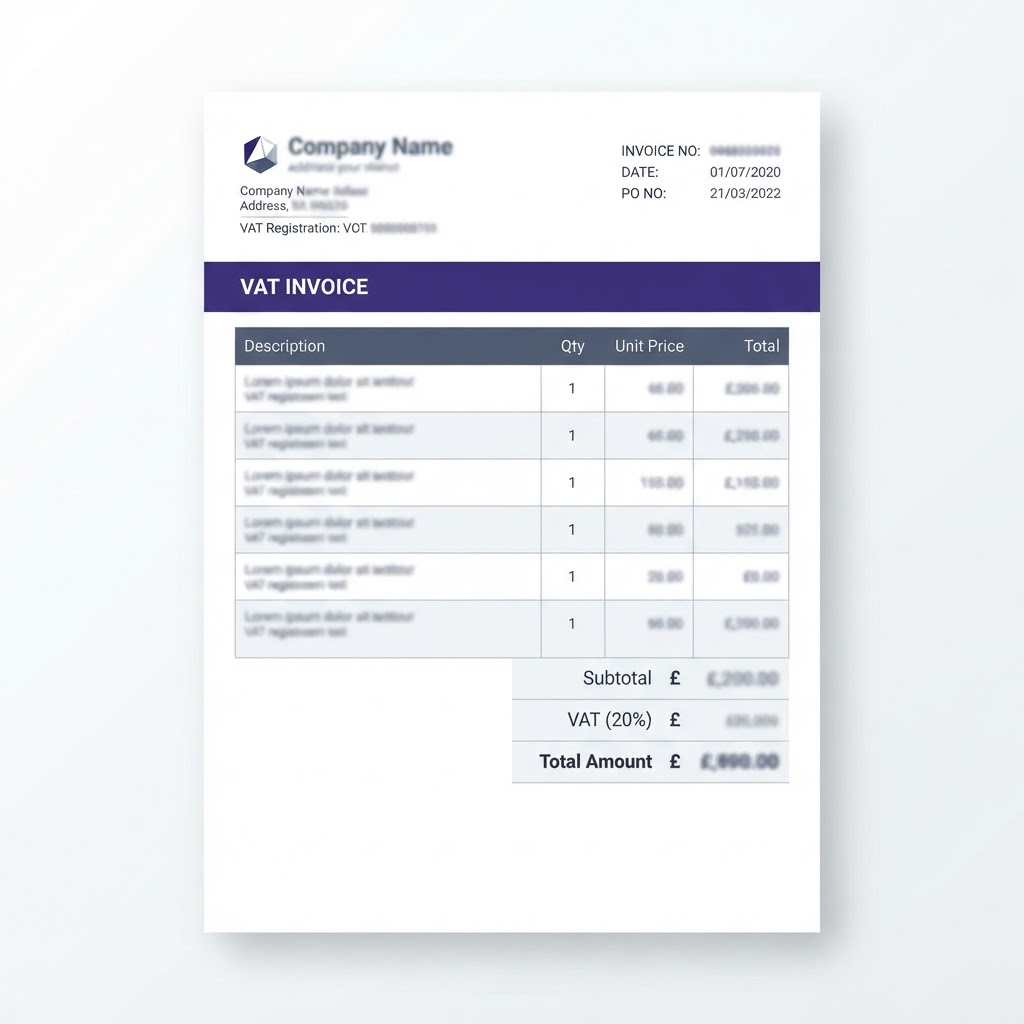
PDFs, scans and photos
Multi-page PDF files and image invoices are received into the engagement workspace with page counts detected per file.
Per-file lifecycle
Every file moves through queued, processing and complete states — so nothing is lost in a large batch.
Stage two
One workflow. Two invoice environments.
ExtractaAudit identifies the applicable invoice environment and applies the relevant South African or United Kingdom processing and audit workflow — then both streams rejoin one consistent review experience.
ZA South Africa
- Tax invoice fields including 15% VAT, subtotals and disbursements
- Supplier and customer VAT number capture and consistency checks
- South African VAT invoice audit rule pack
UK United Kingdom
- Invoice type classification — full, simplified, credit note, reverse charge, margin scheme, self-billed
- Per-rate VAT breakdowns, sterling VAT amounts and tax point dates
- United Kingdom VAT invoice audit rule pack
Country-aware processing in one application — no legal approval or guaranteed compliance implied.
Stage three
From invoice document to structured information.
AI-powered extraction reads any invoice format — including handwritten and stamped documents — and turns each page into structured fields. Fast processing that keeps invoice work moving.
AI-powered OCR
Extract data from any invoice format, including handwritten documents, with high accuracy.
Side-by-side source review
Open any invoice to view the original source document alongside its extracted fields, and verify each value directly against the document.
Built for volume
Move from uploaded invoice to structured information quickly — built to reduce repetitive manual invoice handling.
Stage four
Validate before you audit.
Extracted fields remain visible for checking and correction before the invoice audit tests are applied. Nothing is accepted silently — you stay in control of the data.
Each invoice carries a confidence score and a list of validation issues, so lower-confidence extractions and incomplete records are surfaced for human review before auditing.
Run the country-aware audit tests.
Automated audit tests for South African and United Kingdom VAT invoices. See which checks passed and which require attention — potential issues are surfaced for review, attached to the invoice and field they concern.
Fraud-aware checks identify duplicates, anomalies, supplier VAT number inconsistencies and suspicious patterns — exceptions and risk flags are gathered automatically for your review. Results support your judgement; they are not legal conclusions.
Stage six
Review clearly. Export confidently.
Keep extracted information and audit findings visible, complete the review — editing where needed — and export structured results for the next stage of the accounting workflow.
The invoices you uploaded, now organised, audited and export-readyGenerate exception reports, summaries and Excel-ready outputs — and every exported invoice remains linked to its original source document for side-by-side verification.
Pricing
Pay once for a Page Pack — use it whenever you like
There is no subscription. Buy a prepaid Page Pack in a single one-time payment and use the pages over any length of time — they never expire. Purchase further packs whenever you need them, and add unlimited organisation members at no extra cost.
Turn invoice work into a clearer workflow.
Ready to move from manual invoice review to structured, audit-ready results? Start extracting and auditing invoices in minutes.
Get Started